English
Mathematics
Numbers, algebra, geometry and problem solving
Standard 1–6Malaysian syllabus
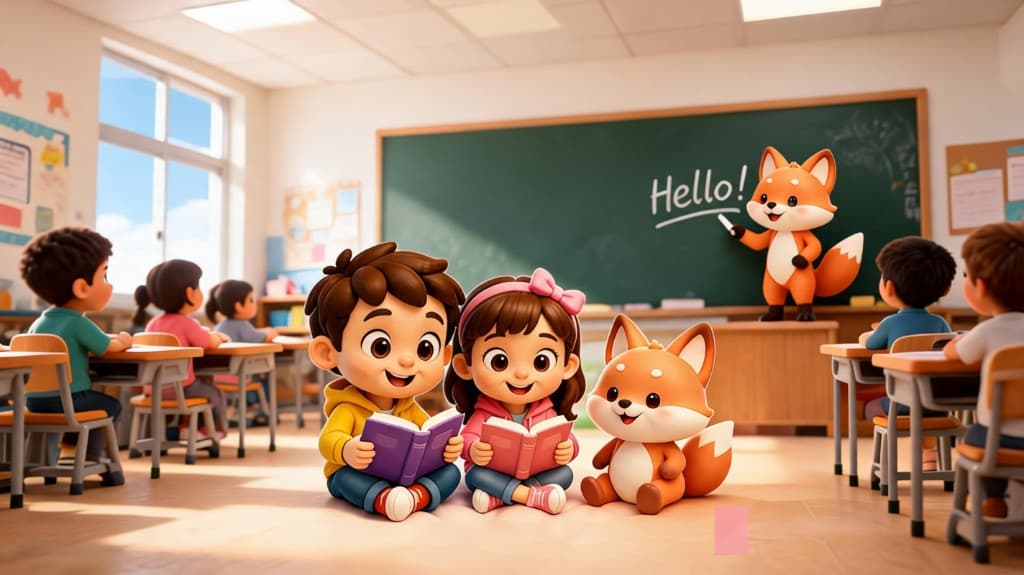
Hubao Club is a learning app for Malaysian primary school students. It turns the Standard 1–6 syllabus into ten-question exercises a child finishes before dinner, with AI-generated voices that read each question aloud. Mathematics, Bahasa Melayu, Chinese, Science and English, and nothing new opens until they've scored above 80% on the set they're on.
Mathematics · Standard 4
Set 12/60
Ali has 3 boxes. Each box holds 24 pencils. How many pencils does he have?
Their answer: 84 · marked for review
9/10
Subjects
Every subject is split into ten-question sets for each standard, so a session fits into the gap before dinner.
Numbers, algebra, geometry and problem solving

The same maths syllabus, taught in Chinese

Kosa kata, tatabahasa dan pemahaman

Characters, phrases and composition

Nature, experiments and discovery

Reading, writing and comprehension
Standard 1 → Standard 6 · 10 questions per set · no ads, no chat
How it works
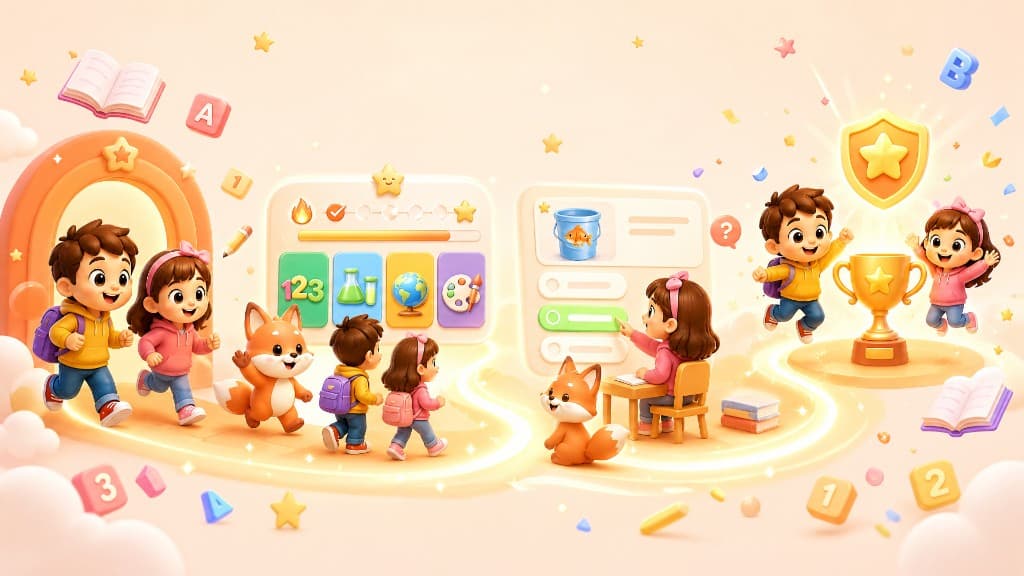
The whole loop is enforced by the app, not by nagging. A child can only unlock the next set once they've scored above 80% on the one they're on.

Hubao Club
Let's explore,
play and learn!
Where every session starts
Your child opens the app and taps Start on any subject you've enrolled them in.
One question per screen, feedback after every answer, and a review at the end of everything they got wrong.
The next set stays shut until they've really got it. No skipping ahead, no gaps left behind.
Every set adds points, points become levels, and levels put them on the weekly leaderboard.
Rewards
Points roll up into levels, levels roll up into leaderboards. It is the reason a child opens the app on a Saturday.
Privacy first. Leaderboards carry a nickname, avatar, grade and points, never a child's real name, IC number or a parent's contact details.
Experience points
1,240

Level 6
40 XP to Level 7
Nickname · avatar · grade · points
For parents
The quieter half of the app
No confetti on this side. Just what happened this week, and what to do about it.
Getting started
Four steps, about five minutes
There is no self sign-up for children. You create the account and hand over the login codes yourself.
Sets completed, scores and points earned, subject by subject and per child, updated as they work.
Add each child, pick their standard and their subjects, and manage all of them from one place.
No chat, no public profiles, no ads. The only thing other children ever see is a nickname and a score.
Malaysian primary school students in Standard 1 to Standard 6, roughly ages 6 to 12. Parents sign up first, then create an account for each child.
No. A child's account can only be created by a parent after a purchase. The backend generates the login codes and you pass them on.
The interface is available in English, Bahasa Melayu and Chinese. Mathematics and Science are offered in all three, so your child can learn in the language their school teaches in.
Mathematics, Bahasa Melayu, Chinese, Science and English across Standard 1 to 6, organised into ten-question sets per subject and standard.
Leaderboards carry only a nickname, avatar, grade and points. Real names, IC numbers and parent contact details are never shown to other users. The full detail is in our Privacy Policy.
Each exercise set has ten questions in a subject and standard: multiple choice, typed answers and questions with pictures. Children get instant feedback, hints, and the correct answer to learn from when they get one wrong. It works as extra practice alongside school, not a replacement for it.
Yes, in two ways. Questions can be read aloud by AI-generated voices, which helps younger children who are still learning to read. An AI teacher is planned and is not available yet; we will announce it on this site when it launches.
A family plan is RM 30 a month for 1 child, RM 60 for 2 children and RM 90 for 3 children. Parents pay by scanning a DuitNow QR code and uploading the receipt, and the plan is activated once the payment is checked.
Plans paid by DuitNow QR on this site are monthly and do not renew automatically, so nothing is charged again unless you pay again. If you subscribed through Google Play, cancel from your Google Play subscription settings. Access continues until the current period ends.
Ready when they are
Create your parent account, add your child, choose their subjects. They start from there.
Questions before you start? Email [email protected]